
Sculptural Stairs (wip oo1)
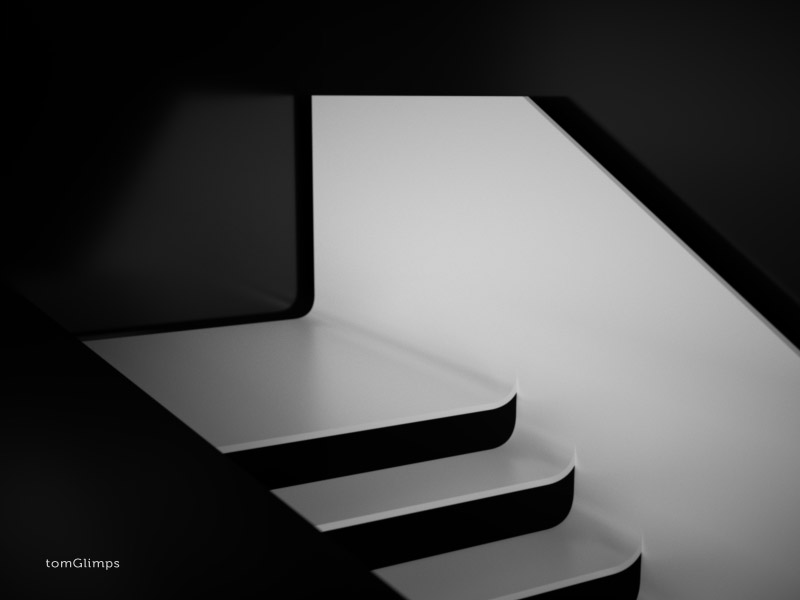
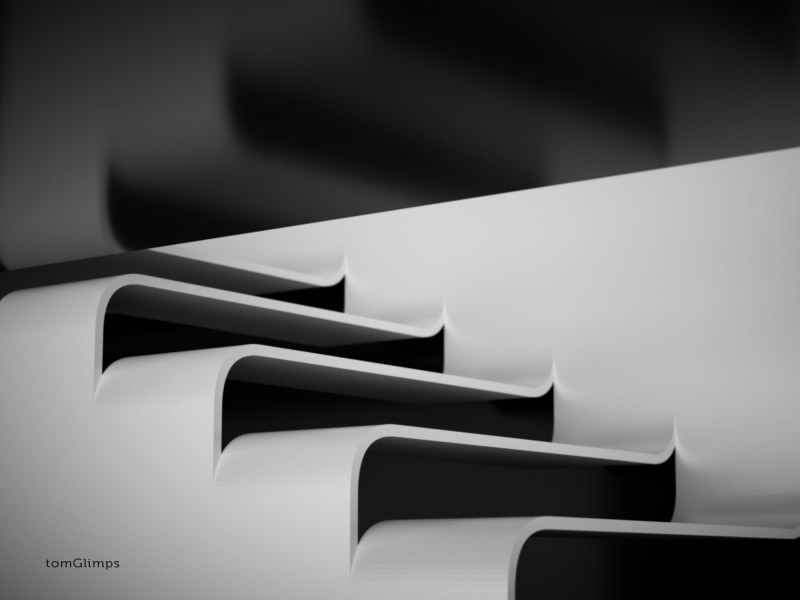



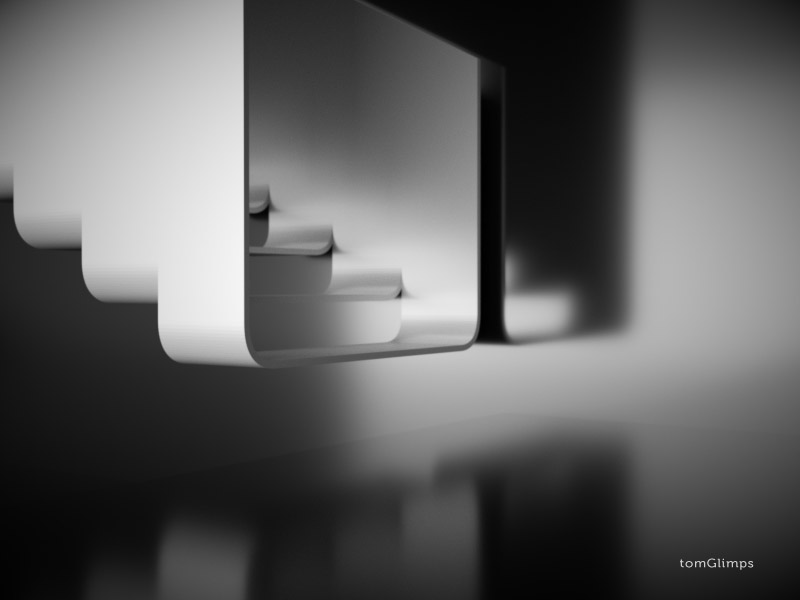
Here’s the very first step of my personal project called Sculptural Stairs that I’m looking to share along with work-in-progess scene files and some ideas how to get a grip on Octane Render.
I’ve included everything You need in order get images as those I’ve just posted.
Thought there might be some cases in the future when I will use some commercial textures/models and will not be able to share them, so I’ll provide files without and direct links where You could buy these if You want.
Download & Extract. Without too much of introduction..let’s look inside!

We have Octane’s file with .ocs extension, geometry/material information in .obj/.mtl files and six 16bit .png previews.
I provided simple mesh to play with. After initial stage of lighting I’m going to tweak this it on areas that are the most important for chosen camera views. It’s my prefered workflow, I see no need of putting details in whole scene when I need only particular shots. By working this way I manage to save computer resources like vRAM (lack of available space in it might become an issue very fast) and save some time that I could spend on lighting and cameras (in my eyes these two are the most important, most rewarding for me to work with too).
If You have no idea what You are doing, have never touched Octane Render before, but really want to try it, check out the article about How I Met And Fell In Love With Octane.
This series are not going to be typical how-to or step-by-step tutorials. Rather then brainless following, I encourage You to try playing on Your own, exploring provided material to gain a better understanding of inner workflows in Octane Render. This might not be perfect nor the only way, but.. that’s how I’m working and that’s what I’m going to share with You.
Learn-by-Playing! =) The aim here is not to do something perfectly or avoid mistakes, but to get as much as possible from this journey (that’s why I’m providing WIP files, rather than only final scene). If You have any experience with other render engines, that will certainly help You, but I strongly advise to read manual (this might save You some time later =)
While opening scene file Octane might ask You where is the .obj, but if You leave ocs/obj/mtl files in one folder it should not forget and probably would not bother You with pop-ups.
First thing You going to see after in opening .ocs file is the Node Graph.
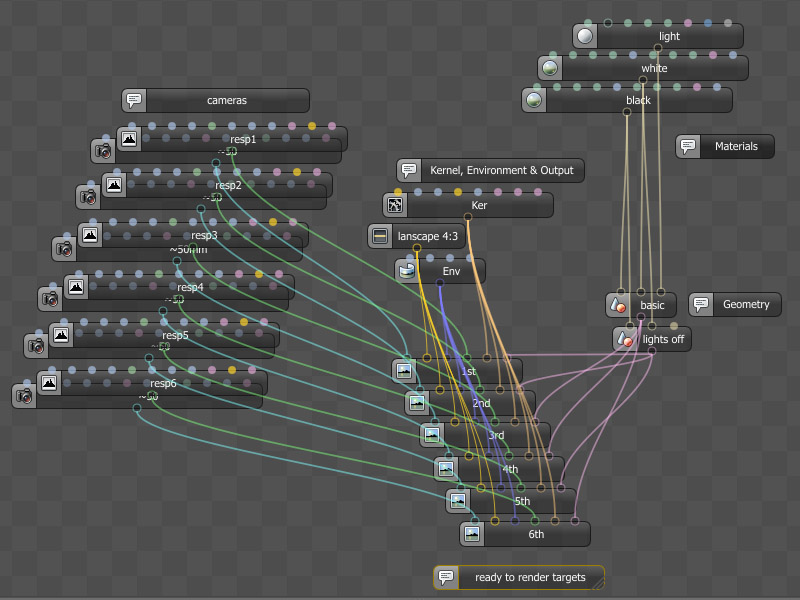
Let’s talk about it a bit. On the bottom part there are some of the most important nodes called Render Targets. These are like hubs where You connect everything (cameras, environment, meshes, output resolution etc). When You press on one of them rendering starts. In case of this file You have 6 angles already predefined. Each one will share the environment, output resolution (800×600), render kernel (Path Tracing), but have it’s own camera (28 0r 50mm) and imager nodes. On the right side there are two identical meshes. The only difference is that one mesh node doesn’t have light material connected while other does. Reason for doing this is so You could connect different objects nodes to your render targets and have interior with lights on and off without having to switch them every time You change render target.
I’ve already mentioned that program is friendly enough and if You hover on any icon or conection on the node it will show what it is all about.
That’s it for now! Yeah, I’m leaving You here, so You could have more time playing around while I’m working on an update. Check once a while for news or follow me on twitter.
If You wish though, You can always tweak (add models inside, change geometry, etc.) this given .obj file on your own in Your prefered package, reExport modified mesh (as .obj) and use it in provided .ocs. All You need is simply to reImport/reLink geometry.
If You’re going to make something unique with the help of provided material, feel free to share Your images with few words about Your experience =)
Have any questions or c&c – fell free to drop a line.
Back to HomePage.